Cherish personal health, embrace gentle and long life


SALE
7.83Hz Schumann Resonance Generator
$46.99$79.9941% off
Quantity
Guaranteed! GoogleTrusted Store!
✅💁♀️Perfect After-sales
📞 Tracking Number for Every Order>>Click here to👉 check your order
It will sell out fast, Enjoy a discount now!!⚡Please make sure to buy enough quantity before we increase the price!!!🔥
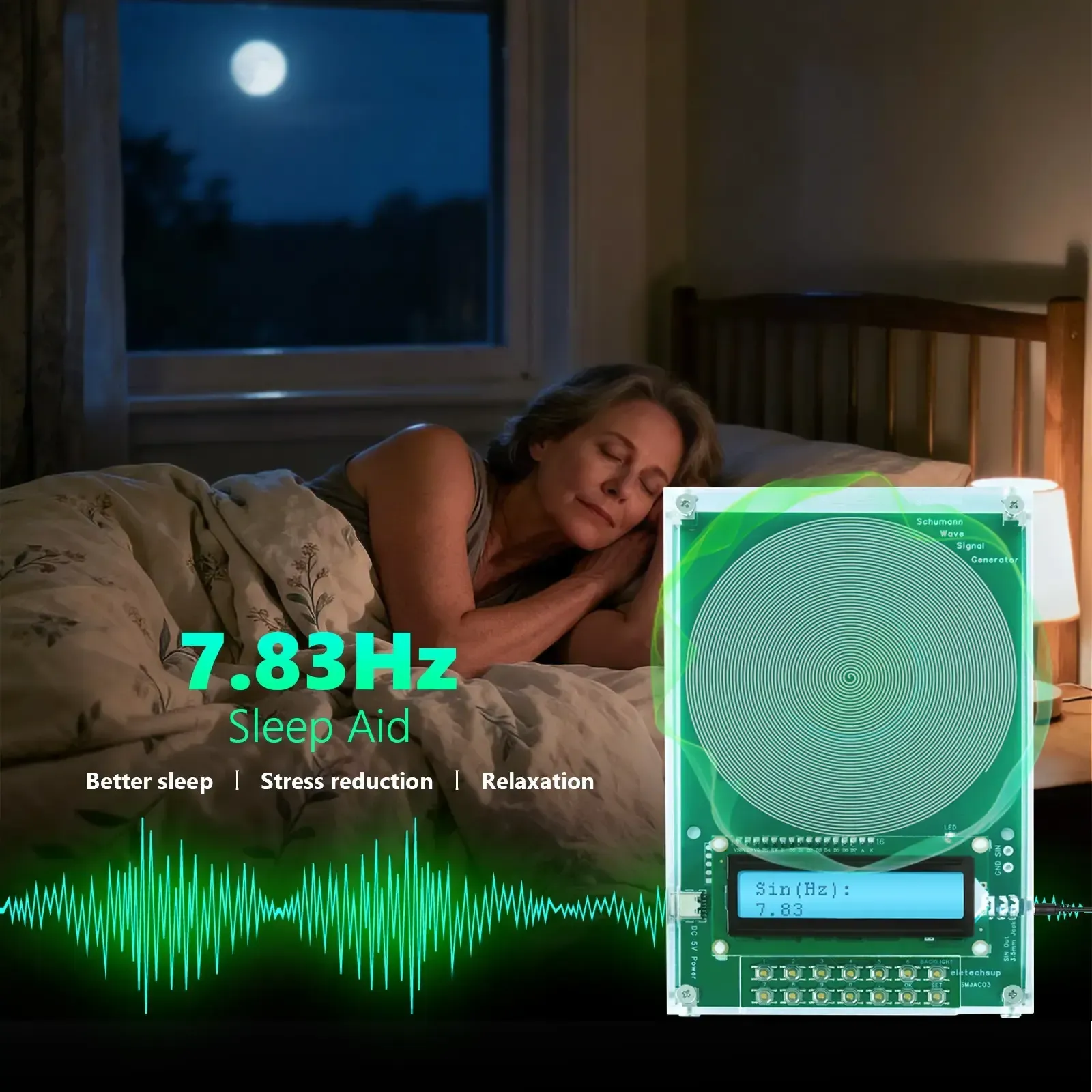
Two.New version features:
This product can not only output 7.83Hz Schumann wave,
But also can adjust the frequency within the range of 0.01Hz~ 100KHz,
Digital circuit crystal oscillator frequency reference, more stable, stronger anti-interference
Anti-reverse connection protection, overvoltage protection, overcurrent protection
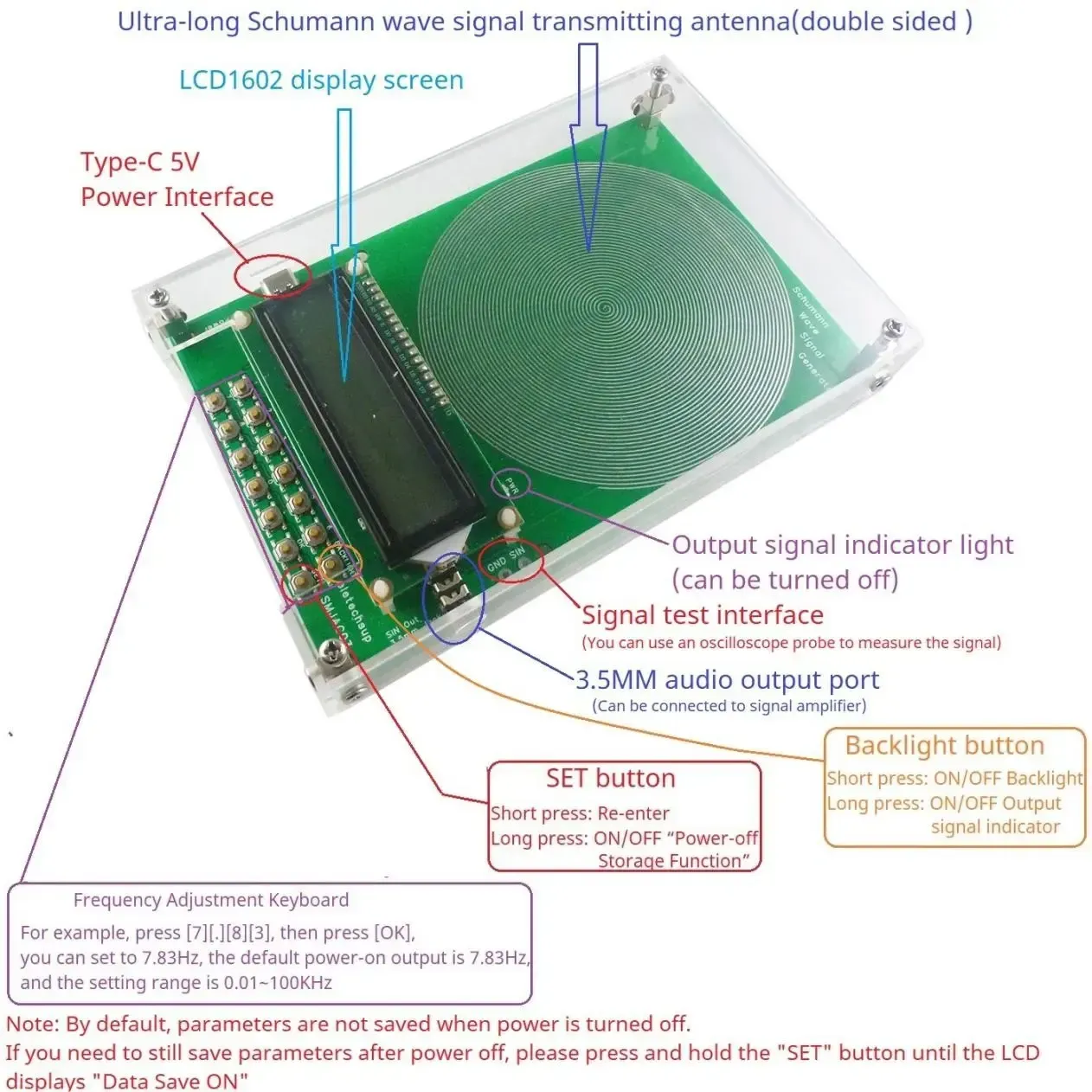
LCD backlight can be turned on/off (short press the BACKLIGHT button)
The parameter power-off saving function can be turned on/off

Three.
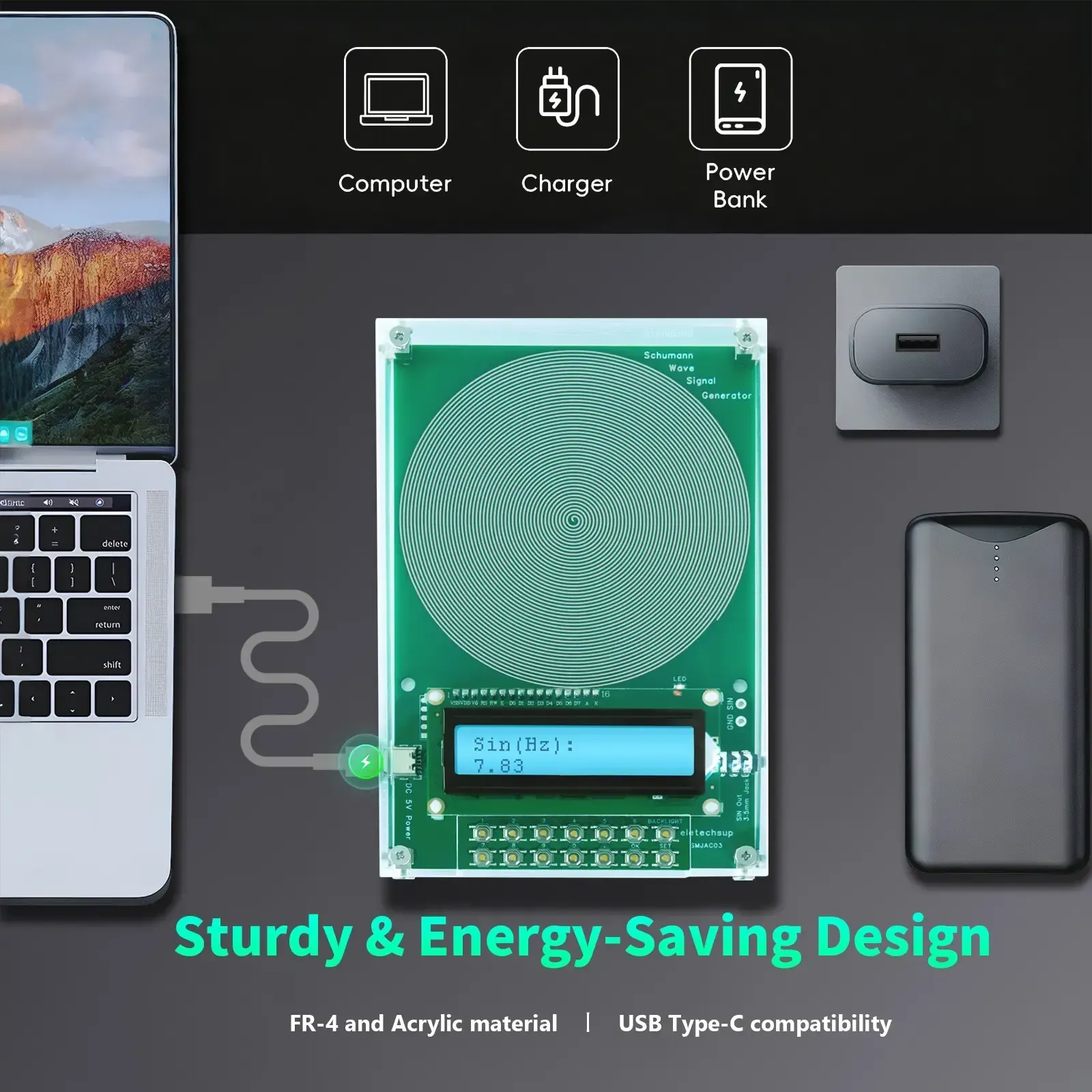
1. Working voltage: DC 5V (DC 4-15V)
2. Working current: 9-14MA
3. Power interface: Type-c (Support TYPE-C TO TYPE-C power supply)
4. Default frequency: 7.83Hz
5. Adjustment range: 0.01Hz~ 100000Hz Pure Sine Wave
6. Signal voltage amplitude: 3V
7. With 3.5MM audio output
8. With acrylic shell
9. Size: 155 * 105 * 26MM (With shell)
10. Weight: 238g (With shell)
Q1: How to change the output frequency?
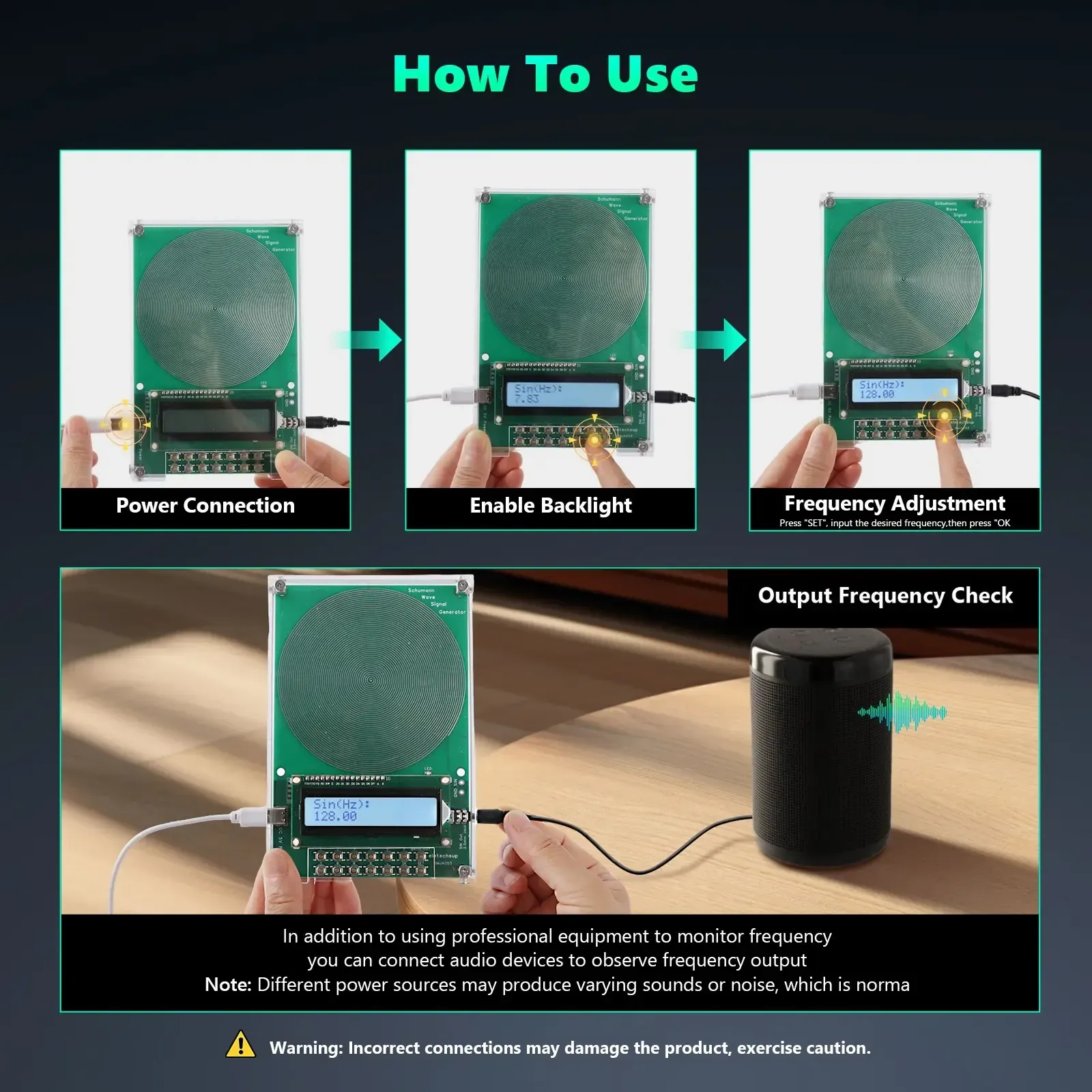
A1: Press the '0-9' and '.' buttons to enter the value, and press the OK button to confirm. If the input is wrong, press the SET button to re-enter.
For example, press [7] [.] [8] [3], then press [OK], you can set to 7.83Hz, the default power-on output is 7.83Hz, and the setting range is 0.01~ 100KHz
Q2: Need to save parameters even after power off?
A2: Please press and hold the "SET" button until the LCD displays "Data Save ON"
Q3: How to verify the output waveform?
A3: Please use an oscilloscope to measure the "GND/SIN" port. You can see a pure sine wave.
Q4: How to turn off the LCD backlight?
A4: Short press the "BACKLIGHT" button to turn off the LCD backlight; short press the "BACKLIGHT" button again to turn on the LCD backlight
Q5: How to turn off the output signal indication (PWR LED)?
A5: Long press the "BACKLIGHT" button to turn off the output signal indication; long press the "BACKLIGHT" button again to turn on the output signal indication.
Q6: LCD does not display correctly after power on?
A6: Please press the RES button briefly and power on again
😊WHY THE US❓
We work directly with manufacturers all over the world to ensure the best quality of our products. We have Quality Control department which helps us to keep our promise!
- 😊Price is always competitive.
- 🚢Awesome Customer Service.
- 🏆Amazing products along with High Quality.
- 🍬Read reviews from our lovely customers.
🔒 100% Risk-Free Purchase 🔥
If you bought it and felt that it is not for you, don't worry. Just shoot us a message , and we will make it right by offering you a replacement or refund. 100% Simple & Risk-Free process.